Customization Options for Desktop POS Machines
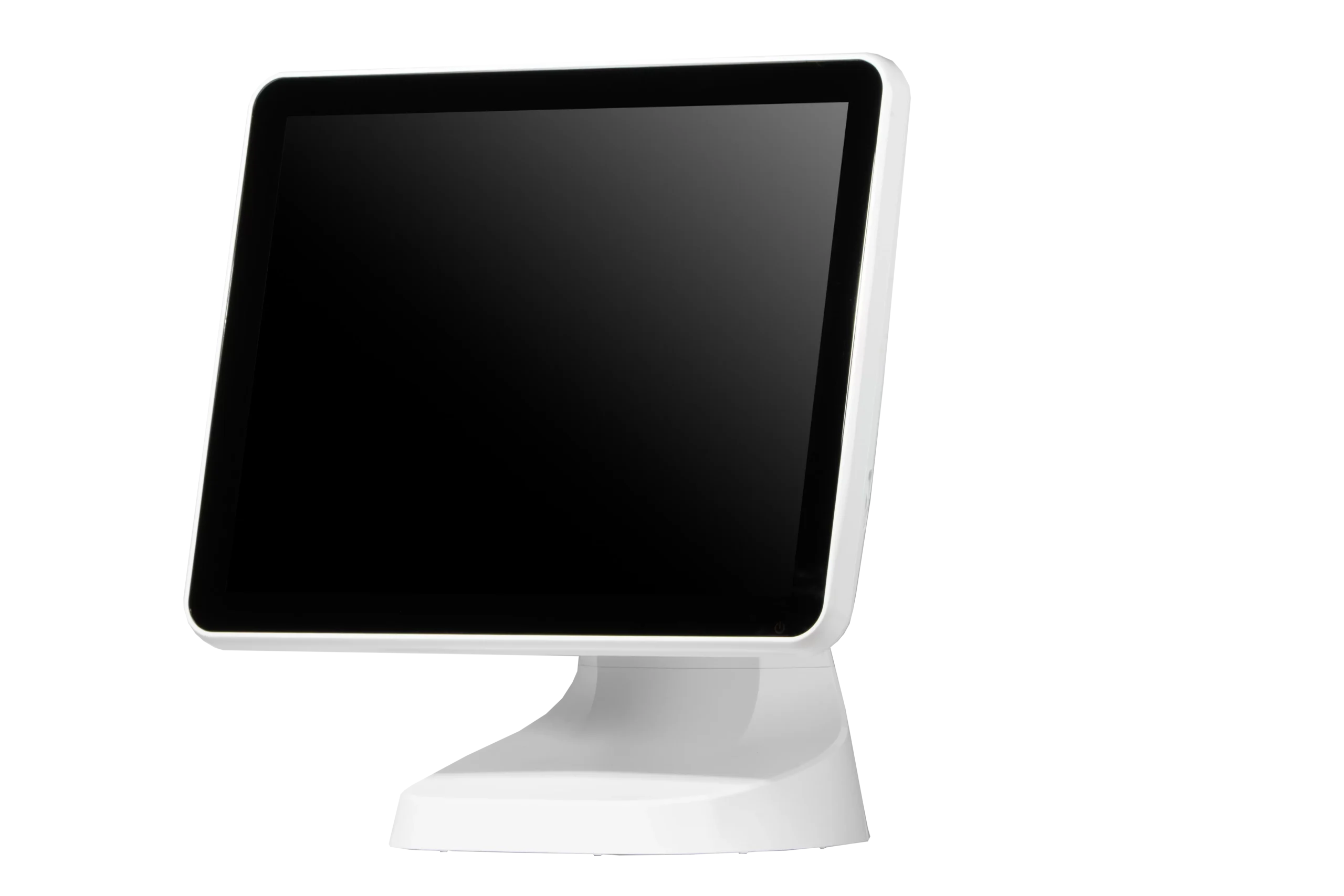
In today’s competitive retail and hospitality industries, businesses require POS systems that can be tailored to their unique operational needs. A one-size-fits-all solution often falls short of addressing specific requirements such as specialized inventory management, customer engagement, and payment processing workflows. Desktop POS machines, with their versatile hardware and software configurations, offer extensive customization options that enable businesses to streamline operations, enhance efficiency, and deliver a better customer experience.
Understanding Customization in Desktop POS Machines
A desktop POS machine is a stationary, all-in-one system designed to handle transactions, inventory, reporting, and other operational tasks. These systems include components such as a touchscreen monitor, central processing unit (CPU), barcode scanner, receipt printer, cash drawer, and secure payment terminals. A professional Desktop POS Machine allows businesses to tailor both hardware and software settings according to their specific requirements, ensuring that the POS system integrates seamlessly into daily operations.
Customization is not limited to software configurations. Hardware options can also be adapted to suit the business environment. For example, some restaurants may require integrated scales for weighing ingredients, while retail stores may need multiple barcode scanners or customer-facing displays. By selecting the right combination of hardware and software, businesses can optimize workflow efficiency and create a tailored POS setup that meets their operational demands.
Software Customization Options
One of the most significant aspects of desktop POS machine customization lies in its software capabilities. Businesses can configure the software to align with their processes, such as defining tax rates, payment methods, and loyalty programs. Customizable dashboards allow managers to monitor key metrics like sales performance, inventory levels, and employee productivity.
Additionally, desktop POS machines support integration with third-party applications, such as accounting software, online ordering platforms, and customer relationship management (CRM) systems. These integrations enable a centralized approach to managing operations, reducing manual data entry, and improving overall efficiency. Advanced reporting tools can also be customized to generate specific insights, allowing businesses to make informed decisions based on accurate, real-time data.
Hardware Customization Options
Beyond software, desktop POS machines offer a wide range of hardware customization options. Businesses can choose the type of touchscreen display, from standard monitors to high-resolution, multi-touch screens. Peripheral devices such as receipt printers, cash drawers, barcode scanners, and payment terminals can be selected based on transaction volume, product types, and business environment.
For multi-location operations, modular hardware designs allow businesses to scale up by adding additional terminals, printers, or networked devices without replacing the entire system. Some desktop POS machines even provide ruggedized components for high-traffic areas or environments where durability is critical, such as busy restaurants, cafes, or supermarkets.
User Interface Customization
Desktop POS machines allow businesses to design a user interface that matches their operational workflow. Customizable menus, product categories, and touch layouts can significantly reduce transaction times and training requirements for staff. For example, in a restaurant setting, menu items can be grouped by course or preparation time, enabling servers to enter orders quickly and accurately. In retail stores, products can be displayed by category, size, or popularity, improving checkout speed and customer satisfaction.
Payment and Loyalty Program Customization
Another important customization feature is the ability to tailor payment and loyalty options. Desktop POS machines can support multiple payment methods, including cash, credit/debit cards, mobile wallets, and contactless payments. Loyalty programs can be integrated to reward frequent customers with discounts, points, or special offers. Customizing these features helps businesses enhance customer engagement, increase retention, and provide a personalized shopping or dining experience.
Security and Access Control Customization
Businesses can also customize security settings on desktop POS machines. Role-based access control allows administrators to define which staff members can access certain features, such as refunds, inventory adjustments, or sensitive reporting. Biometric authentication, PIN codes, and secure login credentials further enhance protection, reducing the risk of fraud and operational errors. Customizable security ensures that businesses maintain operational integrity while protecting both customer and company data.
Conclusion
Customization options make desktop POS machines a versatile and valuable solution for businesses in retail, hospitality, and service industries. By tailoring hardware components, software settings, user interfaces, payment options, and security protocols, businesses can create a POS system that aligns perfectly with their operational requirements. Customized desktop POS machines improve efficiency, enhance customer experience, and support scalable growth, making them an essential investment for businesses aiming to optimize their operations and maintain a competitive edge.